







Sign in
Cadru · Carousel

Instagram carousels, from your photos

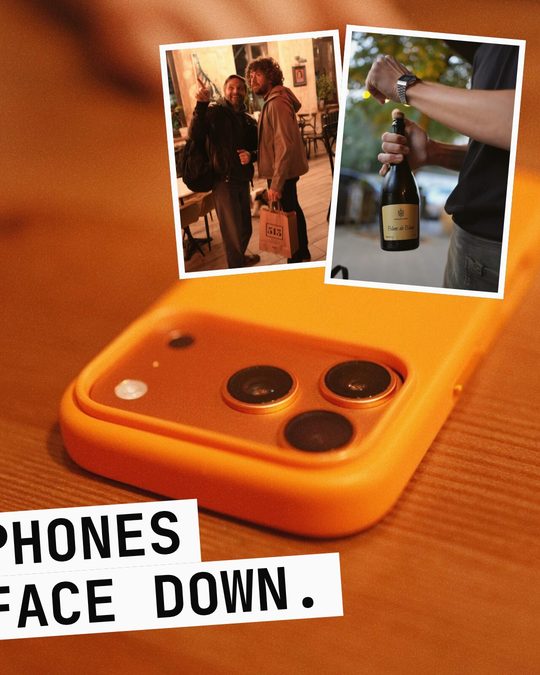
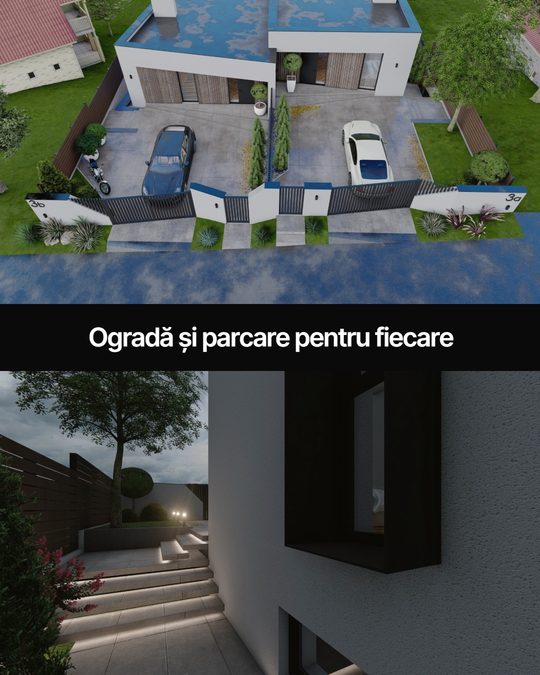
Drop your photos and Cadru lays them across slides that run into each other as you swipe. Change the rhythm, the words, the colours - and export ready to post. Free, no account.


From the Feed

The whole Feed

What you can do

One photo across two slidesA panorama runs from one slide into the next with no seam - dotted lines show where the swipe cuts.
Words that look goodFonts picked for Instagram, good spacing, a colour band under the text, capitals for titles.
Shapes, lines and a penSquares, circles, arrows - or draw any shape point by point and edit its nodes.
Video on slidesA clip becomes an MP4 slide; the preview plays it, as in the feed.
A preview like Instagram'sSwipe through the slides the way someone will see them in their feed, before you post.

Your photos stay with youEverything happens in the browser. Signed in to Cadru, the carousel saves to your account by itself.

How it works

  1. 1Add your photosFrom your phone or computer - photos and clips, up to 20 slides.
  2. 2ArrangeCadru suggests a layout; move things, change the rhythm, add words and shapes.
  3. 3PostExport the slides (JPEG, MP4 for video) and add them in order on Instagram.

Or let your AI assistant make it

With Claude, ChatGPT or any assistant that takes MCP connectors, plus the Cadru tool, give it a link to an article or a few photos and an idea - you get the carousel made, open in the editor to adjust.

Connect your assistant
  • Carousels from articles, photos or an idea
  • Edits any carousel in your account: words, colours, order
  • Checks text that is too small or faint, or cut by a swipe

Questions

Does it cost anything?

No. The editor is free; the last slide carries a small "made with cadru.photo".

Do I need an account?

No. With a Cadru account, carousels save by themselves and open on any device.

Which formats?

4:5 and 1:1 for the feed, 9:16 for stories. Up to 20 slides, Instagram's limit.

Does it work on a phone?

Yes - the same editor, by touch: drag, pinch, type right on the slide.

Make your first carousel

Make a carousel